
The video editor for React and Next.js
Free and MIT licensed. Drop a complete editor into your app: simple enough for anyone on a phone, deep enough for pros on a desktop.
npm install @video-ultra/react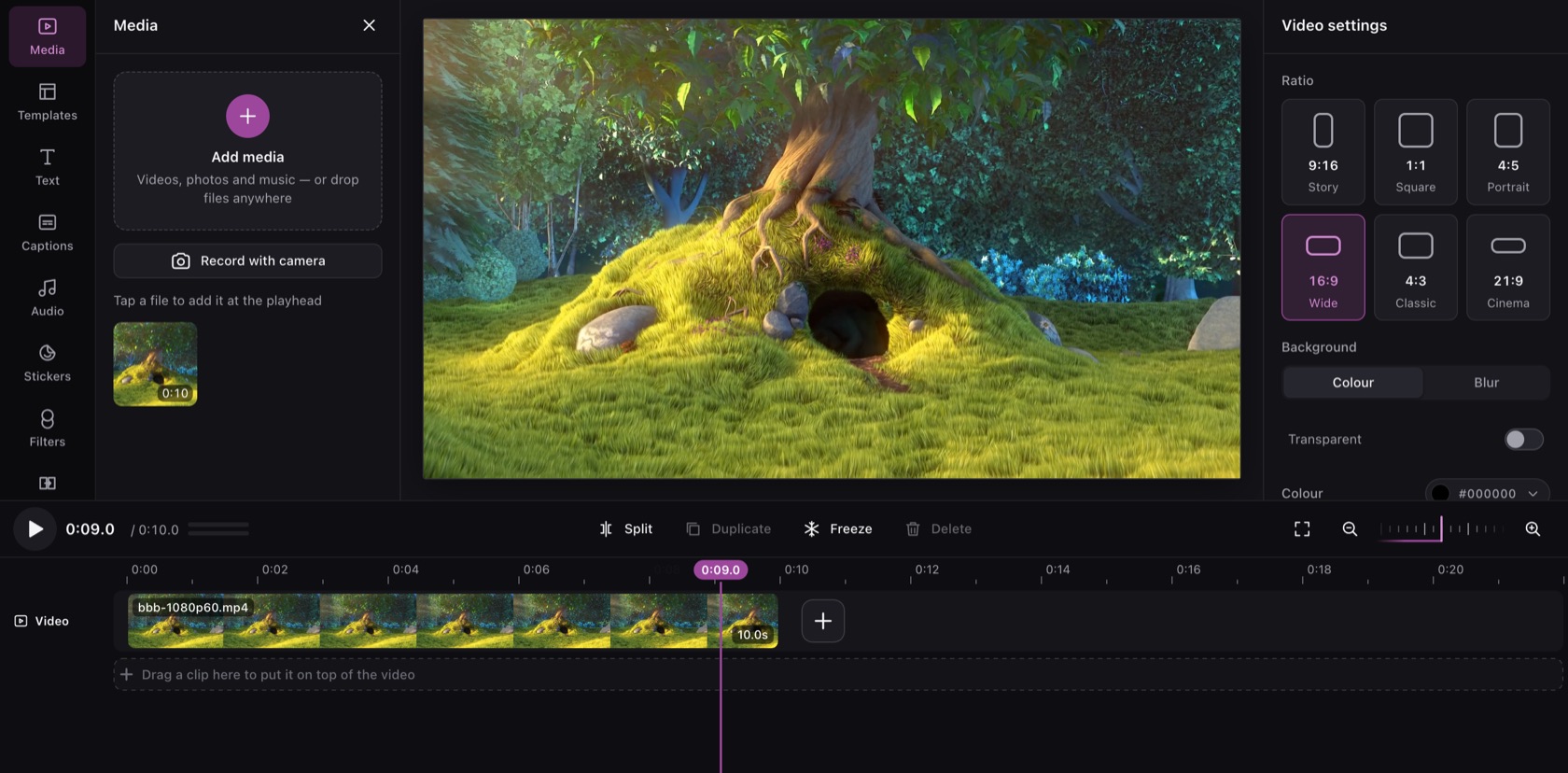
Everything a video editor needs
- Simple firstTrim, add text, music and filters, and export in a few taps. Pro tools stay out of the way until someone asks for them.
- Fast on every deviceDecoding, compositing, sound and export run in workers, on WebGPU or WebGL2. On a busy phone the preview lowers its resolution before it drops a frame.
- Private by designEverything runs in the browser. Your users’ videos and photos never leave their device.
- Projects you can keepEvery edit is non-destructive and saved as versioned JSON. Save it, reopen it later, or export it again.
- Captions on the deviceSpeech to timed words in a worker, caption styles with word highlight, and .srt / .vtt in and out.
- Pro tools when neededKeyframes, roll / slip / slide, markers, scopes, sound effects, HEVC and AV1 export, and light copies for heavy 4K files.
- Yours to shapeTheme it with CSS variables, add your own panels, buttons and media sources, or hide any tool.
- Typed and accessibleTypeScript strict, with no any in the public API. Keyboard and screen-reader ready, checked against WCAG 2.2 AA.
Add it in a few lines
One component and one stylesheet. Save projects with onSave, upload the finished video with onExport, and theme it to match your app.
import { VideoEditor } from '@video-ultra/react';
import '@video-ultra/react/styles.css';

export default function Page() {
  return (
    <VideoEditor
      onSave={(project) => save(project)}
      onExport={({ blob }) => upload(blob)}
    />
  );
}